When the Magic Fades: The Ecosystem Failures Every Apple Fan Knows But Nobody Likes to Talk About
There's a particular kind of frustration that only Apple users understand. It's not the frustration of something being cheap or poorly made. It's not the slow burn of a laggy Android or the existential dread of a Windows update loop. No, this is something more specific — more personal. It's the frustration of a system that should be flawless, built by a company that told you it would be flawless, deciding on a random Tuesday afternoon that it simply isn't going to cooperate.
Welcome to the dirty little secret of the Apple ecosystem: sometimes the magic just doesn't show up.
The Higher the Pedestal, the Harder the Fall
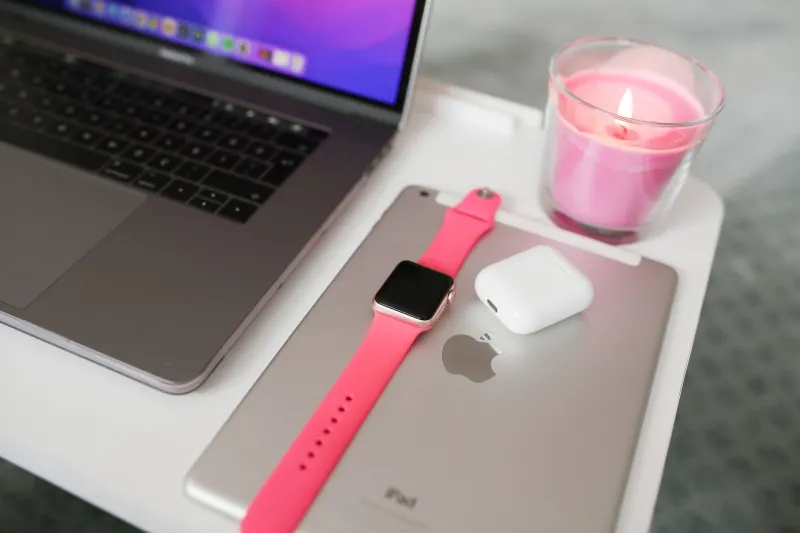
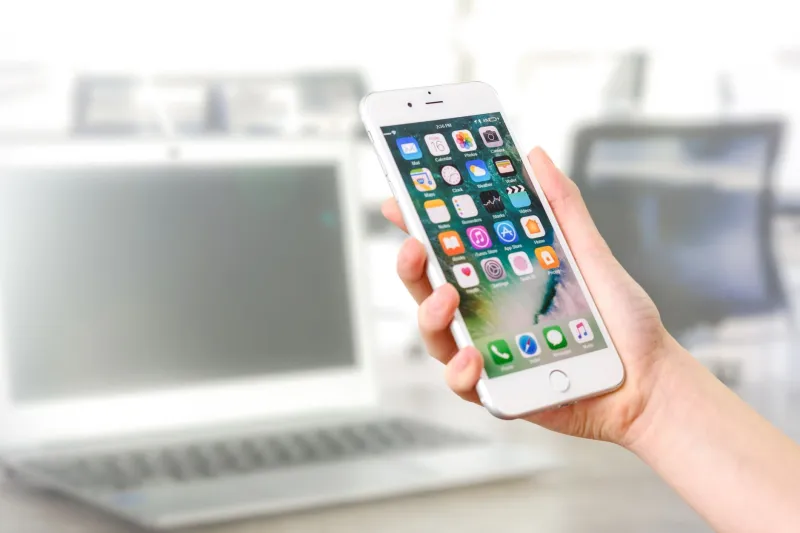
Here's the thing about being an Apple loyalist — you've bought into something bigger than hardware. You've bought into a philosophy. The idea that your iPhone, MacBook, iPad, Apple Watch, and AirPods exist in a kind of digital harmony, passing information between each other like a well-rehearsed jazz ensemble. Apple has sold that vision hard, and honestly? Most of the time, it delivers.
But "most of the time" is doing a lot of heavy lifting in that sentence.
When something goes wrong inside a walled garden, there's nowhere to point the finger except at the gardener. Android users expect a certain amount of chaos — different manufacturers, different software skins, different update timelines. It's practically baked into the experience. But when you're paying Apple prices and living inside Apple's tightly controlled world, a syncing failure doesn't feel like a bug. It feels like a betrayal.
The Usual Suspects: Where Things Actually Break Down
Let's talk specifics, because vague frustration doesn't help anybody troubleshoot anything.
iCloud Sync is probably the most common offender. Notes that don't update across devices. Photos that show up on your iPhone but ghost your Mac for hours. Contacts that duplicate themselves into a chaotic mess after a software update. iCloud has improved dramatically over the years, but it still has moments where it acts less like a cloud and more like a fog — everything's technically there, you just can't see it clearly.
AirDrop is another one that has driven clan members to the edge. In theory, it's one of Apple's coolest tricks — wirelessly beam files between devices with a couple of taps. In practice? Half the time the receiving device simply doesn't show up in the list. You toggle Bluetooth. You toggle Wi-Fi. You check that both devices are set to "Everyone" or "Contacts Only." You restart. You stare. You question your life choices. Eventually, you just email the file to yourself like it's 2008.
Handoff and Universal Clipboard are features that sound incredible in a keynote and work beautifully about 70% of the time. The other 30%? You're copying something on your iPhone, walking over to your Mac fully expecting to paste it, and finding... nothing. Just whatever you copied three hours ago. The Handoff icon that's supposed to appear in your Dock takes the day off without notice.
iMessage and SMS sync across devices can get weird fast, especially if you've got an older Mac in the mix or recently swapped devices. Suddenly your texts are only on your phone. Or they're everywhere except your iPad. Or you're getting notifications on four devices simultaneously for a group chat that you desperately want to mute.
Software Updates: The Great Disruptor
If there's one guaranteed trigger for ecosystem friction, it's a major software update — or more accurately, a staggered software update. Apple releases iOS, macOS, iPadOS, and watchOS on roughly similar timelines, but "roughly similar" leaves room for some real chaos.
Update your iPhone to the latest iOS the day it drops, but your Mac is still waiting on the macOS version that arrives two weeks later? Suddenly features that relied on both devices running compatible software just stop working. Continuity Camera gets glitchy. Sidecar might misbehave. And if you're running an older Mac that doesn't qualify for the newest macOS at all, you might find yourself locked out of features that your other devices are flaunting right in your face.
The clan has a saying — unofficial, but widely understood: never update on day one. Let someone else find the bugs. It's survivalist wisdom earned through hard experience.
Why It Hits Different for Apple Fans
Casual tech users shrug off glitches. They expect imperfection. But Apple loyalists have made an identity investment. You didn't just buy a phone — you joined something. You've got the matching chargers, the coordinated colors, the carefully curated setup that makes your desk look like a page out of a productivity magazine. You've defended Apple in comment sections. You've converted friends and family. You've maybe even talked someone out of buying a Samsung.
So when your AirPods randomly disconnect from your MacBook mid-meeting and reconnect to your iPhone sitting across the room, it's not just annoying. It's a small crisis of faith.
The community forums at Apple's support site and places like Reddit's r/apple are full of these confessions — people who love the ecosystem deeply but need somewhere to vent when it lets them down. And that communal venting? It's actually part of what holds the clan together. Shared frustration is still a shared experience.
What the Clan Actually Does When Things Break
Apple fans are resourceful. When the seamless experience stops being seamless, here's the collective troubleshooting wisdom that gets passed around:
- Sign out of iCloud and sign back in. It sounds embarrassingly simple, but it fixes a surprising number of sync issues.
- Check that Bluetooth and Wi-Fi are both on — not just enabled in Settings, but actually connected. Some features require both to function.
- Restart everything. All of it. Your iPhone, your Mac, your router if you have to. The old ways still work.
- Check Apple's System Status page (apple.com/support/systemstatus). Sometimes the problem isn't you — Apple's servers are having a moment, and knowing that is oddly comforting.
- Give it time. iCloud sync in particular sometimes just needs a few minutes (or hours) to catch up. Frustrating? Yes. But often effective.
- Factory reset as a last resort. The nuclear option. Nobody wants to do it, but sometimes the ecosystem needs to be reminded who's boss.
Still Worth It?
Here's where we land, honestly: yes. The ecosystem friction is real, and pretending otherwise would be doing a disservice to anyone considering going all-in on Apple. But the moments when everything does work — when your iPhone automatically hands off a phone call to your Mac, when your Apple Watch unlocks your MacBook without you touching a key, when you pick up your iPad and your keyboard cursor just appears — those moments are genuinely kind of magical.
The clan doesn't stay loyal because Apple is perfect. We stay loyal because when it works, nothing else works quite like it. And when it doesn't? Well, that's what the forums are for.